Windows app
FreeOpen source, no account
- Works offline, with nothing sent anywhere
- Built-in AI that runs on your own graphics card
- Any folder, external drives and OneDrive's online-only files
- Connects to your web library, so your work follows you
Bibliotaph turns the PDFs, e-books, maps and handouts scattered across your drives and cloud storage into one library you can search page by page. Prep takes minutes, not an evening of opening files.
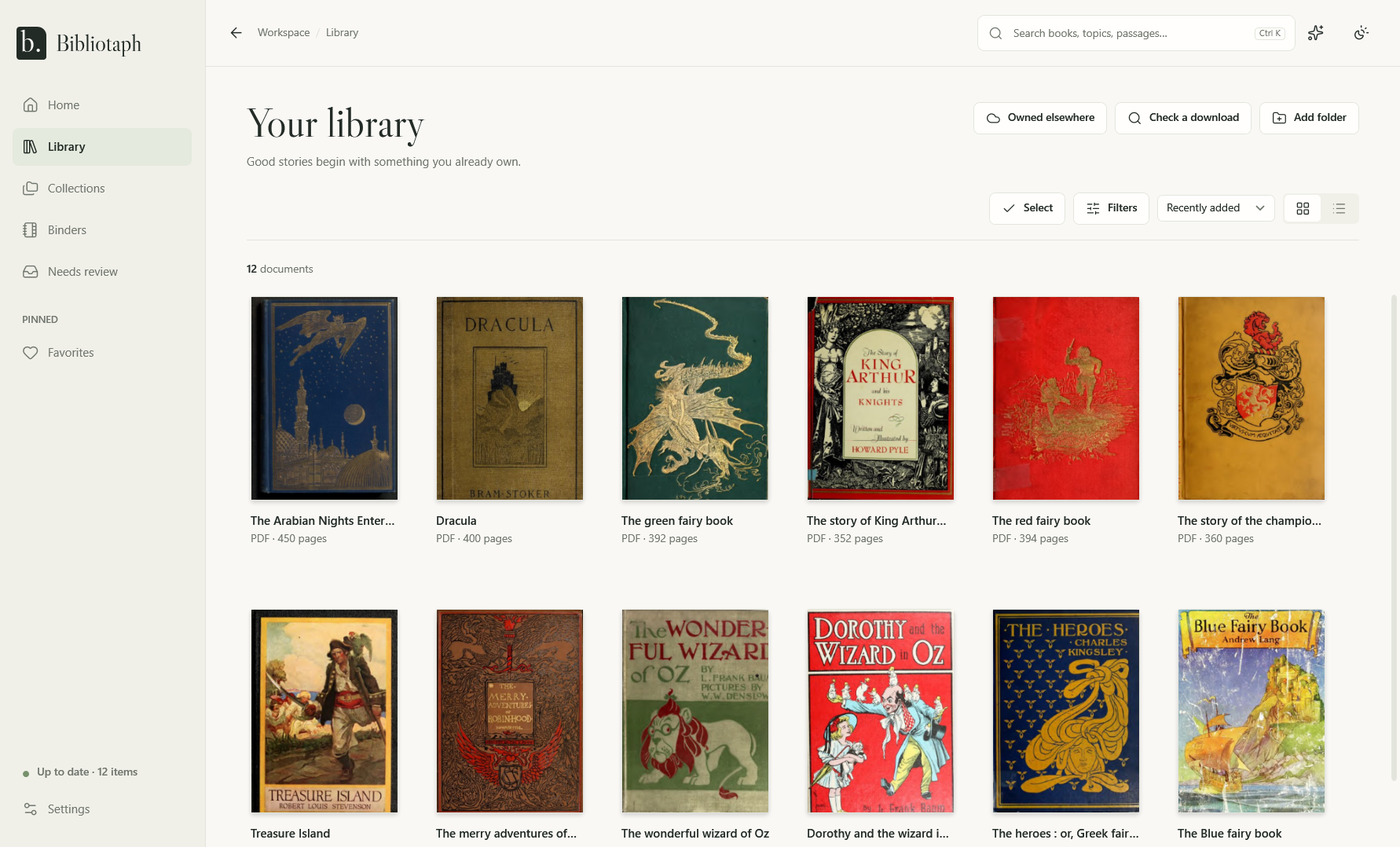
The covers in this picture are public-domain books from the Internet Archive.
“I know that table is in one of these PDFs.”
“We just bought the bundle. Which of these do I already own?”
“Session starts in an hour, and the map is… somewhere.”
Words, quoted phrases and fields such as type:adventure level:3, across the text of every book, every e-book and every scanned page. Results show the books and the pages inside them, with your words highlighted, one click from the page itself.
Game system, type, levels, players, setting and more, from file and folder names, the book's own details and its text, and from RPGGeek, Open Library and Google Books for a book that prints its ISBN. Switch on AI, running on your own PC or with your own key, and it reads each book and quotes the page it found every value on. Anything it can't quote, it throws away.
Pull the pages you need from any book into a binder for the session, in order, with your notes beside them. At the table, step from the crypt map to the bog hag's stats to the abbot's letter without hunting through files.
Books on D&D Beyond and Demiplane join your library with a link to read them there. Purchases on Humble Bundle and DriveThruRPG are listed with where to download them, until the file is in your library. One click on your library page brings them in, with covers. Bibliotaph never sees your passwords.
Choose your folders, drives or cloud storage. Nothing is copied, moved or renamed.
Bibliotaph reads every page, recognises scans, joins duplicate copies and fills in the catalog.
Search, filter and open books at the right page, and build binders for the table.
FreeOpen source, no account
By invitationWhile it settles in
No invitation yet? Ask for one.
Bibliotaph never moves, renames, edits or deletes a file, and knows each by its contents, so a moved book keeps everything.
No ads, no tracking, nothing sold. The web version keeps your catalog, never a copy of your books.
Everything works without it. When it's on, it runs on your PC or with your own key, and it shows its sources.
Free software under the GNU GPL. Read the code, build it yourself, or follow along on GitHub.
Never. It only reads them, wherever they are. Your corrections, notes, collections and binders live in Bibliotaph's own catalog, which you can back up and export.
Any. D&D, Pathfinder, Call of Cthulhu, indie zines, maps and handouts: if it's a PDF, an EPUB, a Kindle book or a picture, Bibliotaph reads it, ZIPs included.
No. Search, filters, binders and the catalog all work without it. AI fills in details faster, and on Windows it can run entirely on your own computer.
The Windows app is free and open source. The web version is free while it's open by invitation.
A PDF with a password asks for it, and Bibliotaph respects a book's copy restrictions. It never guesses passwords or removes DRM.
Yes. Connect the Windows app to your web library, and your corrections, notes, collections and binders merge both ways, on every PC and browser you use.
Bibliotaph finds it.